

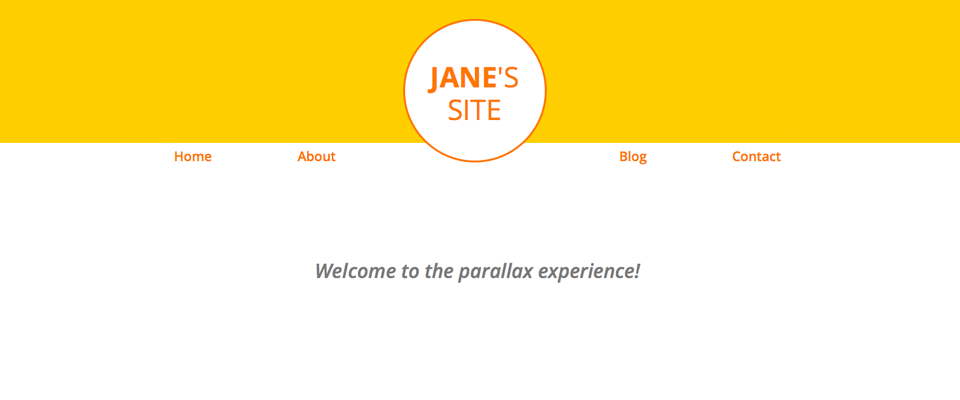
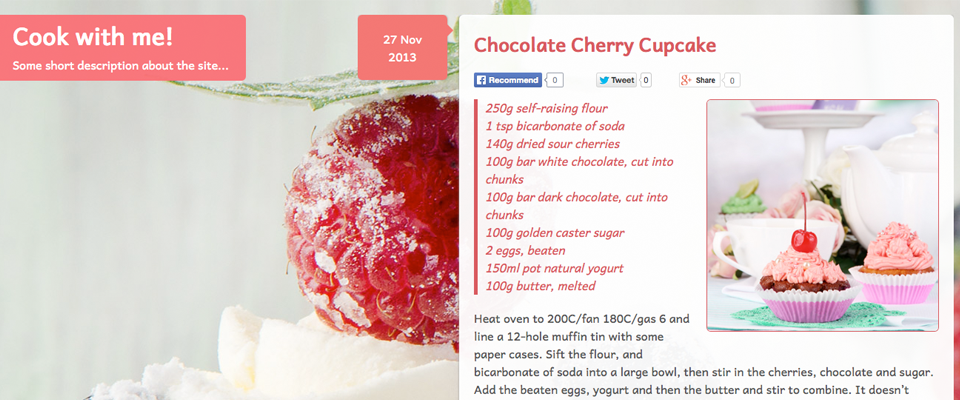
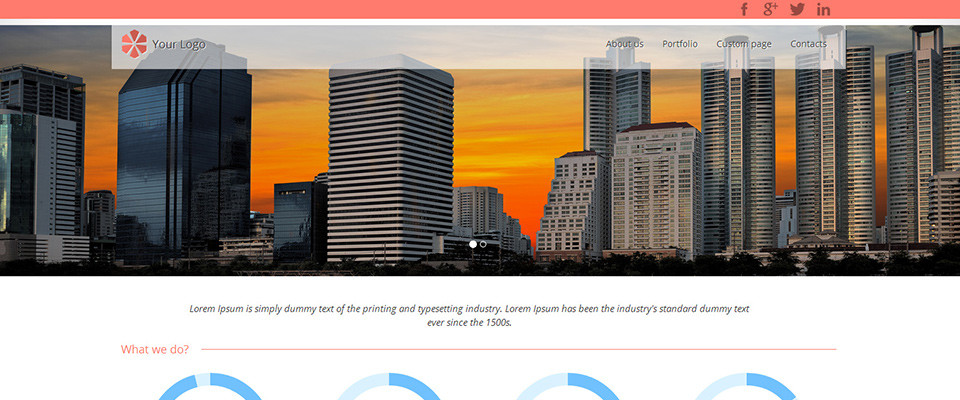
Variant Whitespace template re-organized

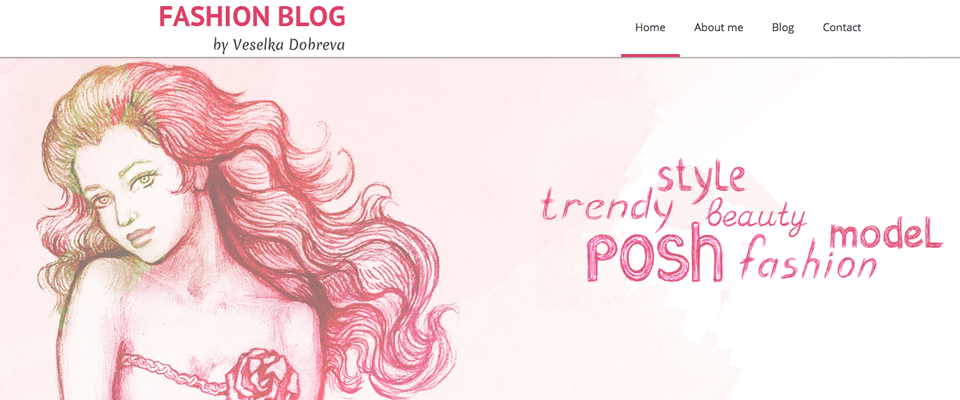
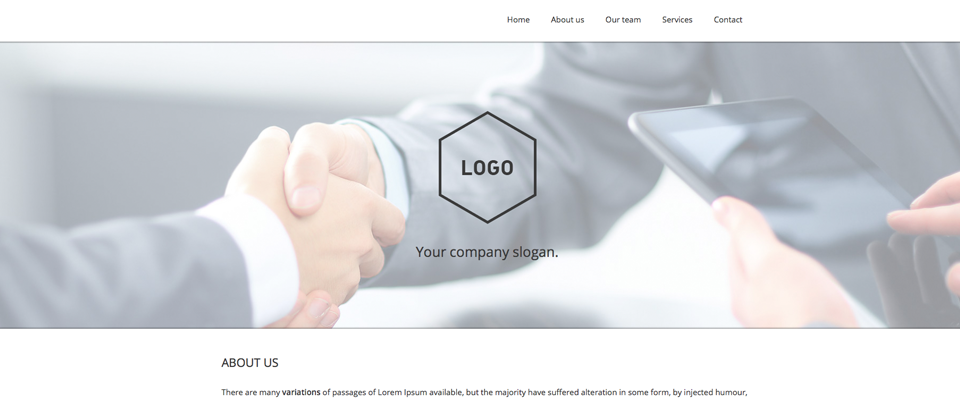
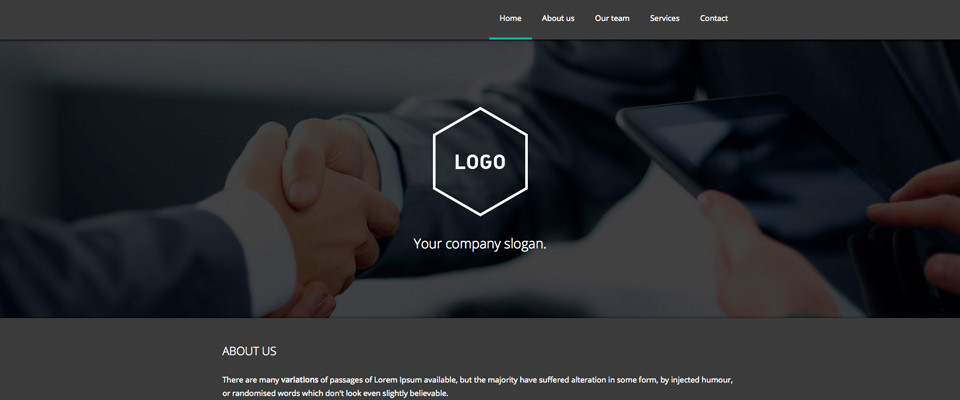
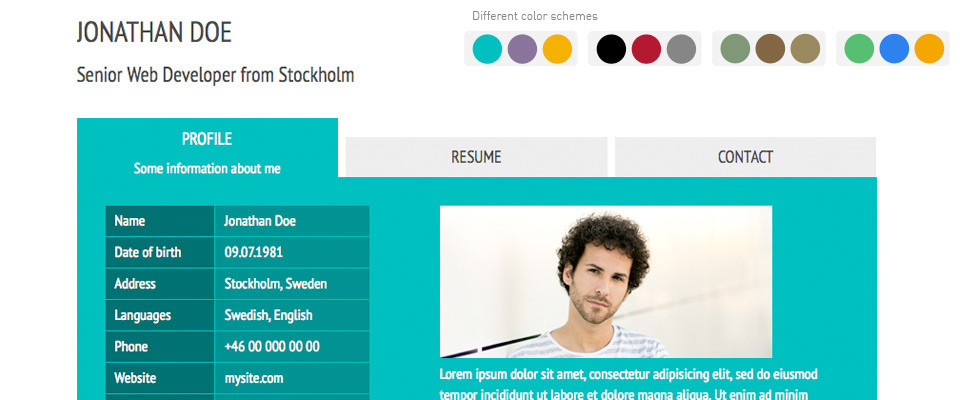
Guy Rutenberg found a couple of details in the Variant Whitespace template which could be improved, and decided to create and release a modified version of it. Guy changed the code order and edited the way that the sidebar is positioned, and the result sure is an improvement. Check it out!

New theme for WordPress: Lagom 1.0

After a long wait in the review queue, the Lagom theme for WordPress has now been approved and published in the official WordPress theme directory. It was made available three days ago, and it has already been downloaded more than 900 times. If you are looking for a classic 2-column blog layout, give it a try and post your feedback here.

Forum and contest updates

The andreasviklund.com forum has been updated to the latest version of the Simple Machines Forum system. Some visitors have had problems with registering, and I have not been able to identify the reason since all tests I have ran have worked well. Hopefully this update will make it work better.

The design contest deadline has passed, and the entries are being reviewed and ranked now. I got fewer entries than I had expected and hoped for, but I am happy to say that several of the entries were very well-written. Results will be published and the winners will be contacted soon!

Graceful degradation vs. Progressive enhancement (part 1)

With mobile surfing constantly rising in popularity during the last couple of years, there has been an interesting shift in the way many web designers build their designs. When I started building website templates back in 2005, I learned to make the designs work in all browsers – including text-based browsers which did not even support CSS. The way I did it was to build the complete design for modern web browsers first and then make sure that the design would be possible to browse even with the most basic text-based browser, including the mobile browsers of that time.

In short, the target was to always make sure that designs would degrade gracefully if displayed on an older web browser. The code structure would be built in a way that kept a text-only, no-CSS version of the HTML output logical and well-structured. This concept was commonly called "graceful degradation", and it simply means "display a basic and simple version if the full layout can not be rendered". There were many ways to achieve that effect, some were good and others were really nice – but at the cost of usability. I wanted to keep things simple to make sure that people with very limited knowledge about HTML and CSS could still use my templates and learn about the degradation by simply trying the examples included in some of the templates.

You can still see numerous examples of free templates that degrade gracefully among my older templates. I will show examples in the next part of this series, but for now I will focus on the terminology and the differencies between the two methods.

Graceful degradation worked well. Then the smartphones entered the arena.

When smartphones with more advanced web browsers started to appear, it became possible to use CSS and display the full version of the site on mobile devices. But since the screen sizes were (and still are) small and the resolution of most mobile devices were (and, most often, still are) lower than even the smallest laptop computers, the full layouts and designs did not look very well. Until recently, I still kept graceful degradation as my main design philosophy. But in the last few years, another design philosophy has became more or less a standard: Progressive enhancement.

Progressive enhancement: Mobile first!

Where graceful degradation was all about building the full layout first and making it usable on mobile devices, progressive enhancement turns the order around and builds from another perspective. A designer building with the progressive enhancement philosophy starts with creating the design and layout for small-screen devices and, once the mobile-friendly version is complete, moves on to adding more advanced layouts and design elements that are displayed on devices with higher resolutions and bigger screens. This has many positive effects, and it can be done in multiple ways.

Most methods can be summed up unde the term "Responsive design", where clever use of CSS3 media-queries makes is possible to automatically display a set of extra CSS if a number of conditions is met. Responsive designs scale down if you reduce the width of your web browser, most often by switching to a simpler layout that is better suited for small-screen devices. In more advanced designs, there could be several layouts included – one for each pre-defined screen width. I'll write more about screen widths and how to detect them and serve the proper CSS based on screen width in the next part of this series.

Erase and rewind…

Progressive enhancement and responsive design are still fairly new concepts to me, I have only experimented with it for a couple of months. But I can tell for sure that I will be adopting the progressive enhancement philosophy with all my heart for future releases. I have studied lots of great website templates, WordPress themes and live websites to get an idea of hot I could best apply this design process to my work. And my spontaneous reaction is that "Mobile first!" makes a lot of sense, and that this is an inspiring way to work.

In the next part: An example of how it can be done…

I am currently working on the next major update for andreasviklund.com. As with the current version of the site, it will be a site based on WordPress. But rather than building the full layout in the way I have done in the past, I started with getting the basic features and functionality in place, even before I wrote any CSS. I will describe my workflow in the next post of this series, and look back at older templates to see if they can be re-modeled using Progressive enhancement.

Part 2 will be published in a few days, stay tuned! And if you have any comments, questions or suggestions for what I should write about, don't hesitate to post a comment to this entry.

Open call to designers, photographers, artists and other creative people!

Since the first free website template was published on andreasviklund.com in October 2005, I have mostly focused on creating and releasing simple, well-coded and generic designs, trying to keep each template neutral in terms of the sample content to allow template users to turn the templates into websites about any imaginable topic. There are lots of examples that show that this neutral and generic approach has been successful and appreciated.

For example, the andreas01 template has, among many other things, been used to run an official NBA team blog, several advanced science websites, numerous sites and blogs about faith and different religions, as family websites for people all over the world, as the base design for university professors, school classes, politicians and even a member of a Royal family. The generic design and the easy customization has made it easy to give the template a specific touch that is relevant to the topics that different template users are working with.

But something has been missing…

While many template users prefer to put their own touch to a generic website template, not everyone want to do it. If I would gather all requests I have got about making topic-specific templates, it becomes obvious that a lot of visitors to this site wants to see templates about specific topics. Those who are looking for a template to build a website about cars, would naturally be searching for car website templates. The same goes for nature websites, financial websites, sports websites and any other topic that could be relevant.

Now, I need your help!

Since andreasviklund.com by now has a large collection of generic templates, it is time to add a new touch to the free template gallery. Soon, I will start releasing new templates with specific topics, hoping to provide more inspiration and new ideas to site builders. But rather than making up topics and designs for all of them, I would like to invite all of you creative people (designers, photographers, artists – well, anyone who loves to create material) to help me out. Is there any talented fashion designer out there who would want to participate in creating a free fashion website template? Or any artists creating beautiful paintings that could be turned into backgrounds and sample content for a series of art website templates? If so, let me know!

I'll do the HTML/CSS coding, based on material from others who provide input, images and fresh ideas. All contributors will of course be given appropiate credit, both inside the templates and in the template gallery. As a first step, I have been in talks with a talented Swedish nature photographer about making a series of wildlife templates, and with one of my favorite illustrators about making a cartoon-themed template (both of which are designs that I would never be able to make by myself).

Join in, all ideas are welcome!

I do of course also welcome ideas from everyone. What kind of topic would you like to see in a future website template? Share your opinion, either in the comments to this post or by sending me an e-mail.

Also keep in mind that these topic-specific templates will be possible to modify in any way you may want to, so if you find a fashion-themed template that you would want to use for your wedding website – then you can of course do so. The topics are for inspiration, for showing that website templates can look amazing and still be easy to use as starting points for building websites.

I think that it will be an incredibly fun direction to take for the andreasviklund.com template gallery, and that more people will find inspiration and ideas from the templates when topics are added. I also think that it will be a great place for creative people to get their work seen by a lot of people all around the world, as each template gets thousands of downloads.

Sounds exciting, don't you think?

')